Meta vs Google Ads for real estate: run a fair test, then decide
By Jayesh G, Founder · 9 min read. Facts checked against each company’s own site on 29 October 2026. Spot an error? Tell us and we’ll correct it.
In short
- Neither wins for every project. Google Search ads show to people who are searching; Meta says its lead ads are tuned for volume by default. Your own register decides which costs less per visit.
- Run a fair test: one project, the same budget, the same weeks and the same callers. Then compare cost per site visit, not cost per lead.
- Move money to the winner in steps, and test again when the project, the city or the season changes.
On this page
- Search and the feed find different buyers
- Why owners say cheap Meta leads don’t pick up
- Run a fair four-week test
- A worked example: cheaper leads, dearer visits
- What is a visit worth to you?
- Tell Meta which leads became visits
- Which team are you?
- “Meta leads are junk”
- What I’d check this week
- Where software helps
- Questions teams ask
The ad report on your phone shows a cheap cost per lead, in green. Now open the site-visit register for the same month. How many names came from that campaign?
That gap is the whole Meta vs Google question. Many owners find Meta gives more leads for the money, and Google Search fewer, from people who were already looking. Neither wins for every project, so test both on the same project and keep the one with the lower cost per site visit.
You’ll get the difference between the two in plain words, a fair four-week test you can run with your agency, a worked example, and how to tell each platform which leads became visits.
The simple rule Same project, same budget, same weeks, same callers. Then compare cost per site visit, and move money in steps.
Search and the feed find different buyers
A Google Search ad shows to someone who typed a search. A Meta ad shows to someone scrolling Facebook or Instagram who wasn’t looking.
Here’s the pattern many owners describe. It’s our working assumption, not a measured figure. Your own register decides:
Google Search
- The buyer searched a project, builder or locality
- Fewer leads for the same money
- More of them pick up and talk
- Limited by how many people search
Meta (Facebook, Instagram)
- The buyer was scrolling, not searching
- More leads for the same money
- More of them don’t pick up, or don’t recall the form
- Can reach buyers before they start searching
These are tendencies, not rules. A strong offer on Meta can beat a weak Search campaign. A small locality may not have enough searches. Then Google can’t spend your budget.
Why owners say cheap Meta leads don’t pick up
Meta says its lead ads are optimised for volume by default. Its Instant Forms (the forms that open inside Facebook or Instagram) are quick to send.
Meta also offers a higher-intent setting. It adds a step where people review and confirm their answers before sending. Any extra step can lose some people; that’s our reading, not Meta’s figure. Ask your agency to test it on one campaign. If your Meta leads aren’t picking up at all, check these four things first.
You may hear a reply such as “I didn’t fill any form”. Some of that may be the form. Some of it is speed: the later the call, the less a buyer remembers the ad.
So before you judge Meta, check how fast those leads were called. A lead nobody calls for a day tells you about your team, not the platform.
Run a fair four-week test
Most comparisons aren’t fair. One platform runs your premium project, the other your budget one. The months differ. So do the callers. Here’s a fairer way:
- One project Run both platforms for the same project and the same localities.
- Same budget Split it evenly, for the same weeks. Skip launch and festival weeks.
- Same callers Rotate both platforms’ leads across the same salespeople.
- Same speed Call every lead within the hour, from both platforms.
- Tag every lead Platform and campaign on every row, from the first day. For website-form leads, ask your agency for UTM tags (the labels on an ad link that say where a lead came from).
- Count to visits Calls over 2 minutes, visits done, and bookings if you have them.
Four weeks is the least. Visits take longer to show than leads, so six is better if your budget allows. Count every visit from a lead that came in during the test weeks, even if the visit happens a week after the test ends.
A worked example: cheaper leads, dearer visits
Here’s an illustrative four-week test on one project. The figures are an example, not a benchmark:
| Step | Meta | Google Search |
|---|---|---|
| Spent | ₹50,000 | ₹50,000 |
| Leads | 250 | 70 |
| Cost per lead | ₹200 | ₹714 |
| Calls over 2 minutes | 60 | 35 |
| Visits done | 6 | 7 |
| Cost per site visit | ₹8,333 | ₹7,143 |
Meta’s leads cost less than a third as much. But Google brought more visits for the same money, so it costs less per visit here.
A one-visit gap isn’t proof, though. How big must a test be? Budget needed = the visits you want to see × the cost per visit you expect. My rule of thumb is about 20 visits per platform before a big shift. At ₹7,000 a visit, that’s about ₹1.4 lakh per platform.
A small budget can only show you a direction. Then move just a small slice of money, say a tenth or a fifth, and run the test again.
Your test could go the other way. A launch offer or a lower-priced project can favour Meta. That’s why you test. Don’t copy someone else’s answer.
What is a visit worth to you?
A cost per visit means little until you know what a visit earns. Work it out from your own booking numbers:
The formula What a site visit is worth = your earning on one booking × the share of visits that book.
Take a booking that earns you ₹1,50,000. That’s your brokerage (the commission the developer pays you) or your margin. And suppose 1 in 15 visits books.
Then a visit is worth about ₹10,000 to you. On ad spend alone, both platforms in the example cost less than that per visit. Add your agency fee and your team’s time before you call either one profitable. To judge each platform over a quarter, count ROAS on brokerage, not the flat’s price.
Which number do you know less well, your earning per booking or your visit-to-booking share? Fix that first, from last quarter’s register.
Tell Meta which leads became visits
Meta says sending your later stages back “may yield higher quality leads that are more likely to convert”. Google’s help page says its form leads can go to a CRM by webhook. That’s a link that sends each new lead on. Ask your agency what Google offers beyond that.
Meta’s Conversions API for CRM is a link that sends a lead’s later stages from your CRM (the software your team logs leads, calls and visits in) back to Meta. A stage is a step in your lead list, such as site visit done. Meta uses it for a goal that looks for leads likely to reach that stage. Its conditions, as Meta’s page stated them on 29 October 2026 (they change):
| Meta’s condition | What it means for you |
|---|---|
| Instant Forms only | It works for Meta’s own lead forms, not your website form |
| Meta suggests at least 200 leads a month | A small team’s budget may be too small |
| The stage happens within 28 days | Pick a site visit, not a booking |
| Between 1% and 40% of leads reach it | Check your own lead-to-visit rate against it |
Google’s lead forms have a catch worth knowing. When we checked on 29 October 2026, Google said it stores form leads for 60 days and lets you download only the last 30.
So ask your agency how those leads reach your team every day. Otherwise they sit unseen.
Which team are you?
Who should test what depends on your size and your projects:
| Your team | Start with | Watch out for |
|---|---|---|
| 3–5 people, the owner sells | One platform, one project, done well | Too few visits to compare two platforms |
| 6–10 people | A four-week test of both, on one project | Leads going to whoever is free, unevenly |
| 10–20 people, several projects | A test per project type | One result applied to every project |
| A developer’s or mandate team | Both, with stages sent back to Meta | Channel partner leads mixed into ad leads |
Who shouldn’t run this test yet? A team that can’t call leads within the hour. Fix the calling first. Otherwise you’re testing your team’s speed, not the platforms.
“Meta leads are junk”
Many owners say it, and some of the time they’re right. Here’s an illustrative case. At the Monday review, the agency’s slide shows leads up and cost per lead down. The register shows the same visits as last month. That gap is the real meeting. Look at three things before you switch Meta off.
How fast were Meta leads called, against Google’s? Which form setting did your agency use? And were you counting leads, or visits?
My honest view: don’t judge Meta until the calling is fast. If you can only fix one thing first, fix calling speed. After that, I can’t tell you which way it goes for you. Your register can.
What I’d check this week
You can do these with your agency’s report and your register:
- Check every ad lead has its platform and campaign in your sheet
- Count last month’s visits done by platform, for one project
- Ask your agency for the spend by platform for the same month
- Work out cost per site visit for each platform
- Ask which Meta form setting your campaigns use
- Ask how your agency is paid: a fee per lead rewards volume, not visits
Where software helps
The test only works if every lead is tagged and every call is counted. That’s the part software does well.
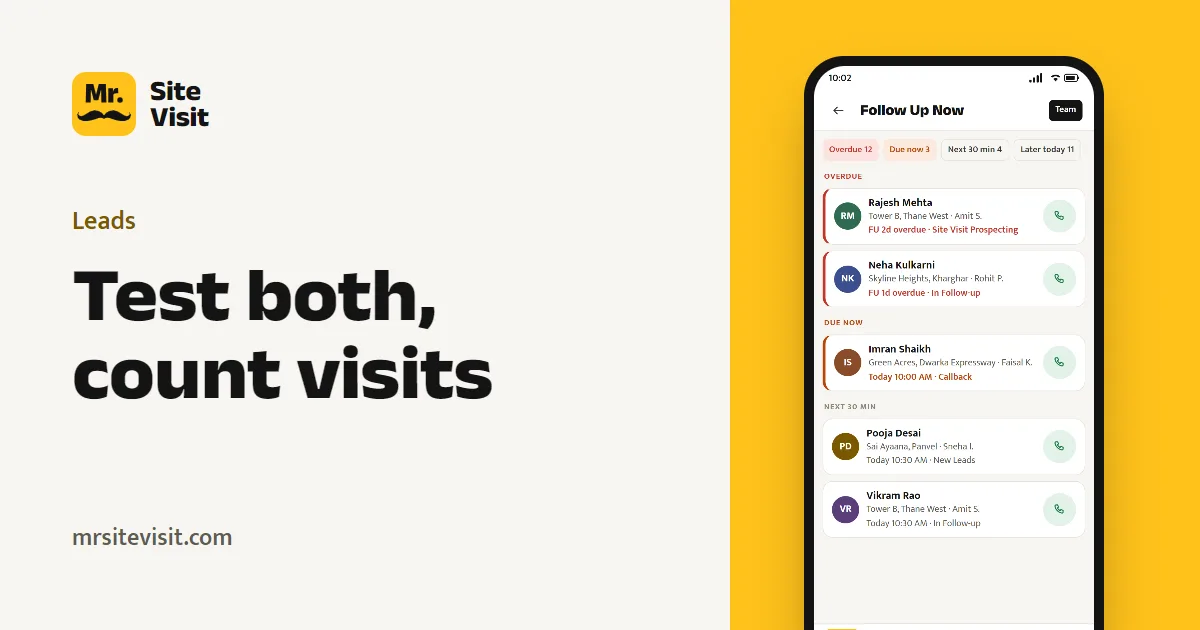
In Mr. Site Visit, Meta Lead Ads leads arrive with their source and campaign. If nobody calls a lead in time, it moves to the next person. You set that time; the default is 2 hours, so set 1 hour for the test. You can also set a stage, such as a site visit, to send an event back to Meta.
There’s no ready-made Google Ads connection. Leads from your own website form come in with the website as their source. A custom webhook can take leads from other tools, so check your Google setup with us first. On Android, calls are marked Verified from the phone’s call log; iPhone calls aren’t logged.
Starter is ₹423 a user a month, billed yearly, from three users, with no GST on top. Three users cost about ₹1,269 a month; in the example, one extra visit is worth about ₹10,000. There’s a 7-day money-back, and no free trial. See the plans and prices, or how it works for developers and channel partner firms.
Pick one project this week and agree the four-week test with your agency. Then sit with your team at the end and let the visits decide.
Questions teams ask
Which is better for real estate leads in India, Meta or Google Ads?
Neither is better for every project. Google Search ads show to people searching for a project or a locality; Meta’s ads reach people who weren’t searching, and many owners find those leads cost less and pick up less. Run both for the same project, budget and weeks, then keep the one with the lower cost per site visit.
Why do Meta leads not pick up the phone?
Meta says its lead ads are optimised for volume by default, so forms are quick to send. A higher-intent setting adds a step where people review their answers. Owners often say callers meet buyers who don’t recall the form, so check how fast your team called those leads before you judge.
How long should I test Meta and Google Ads for a project?
Long enough to count site visits, usually four to six weeks. Leads alone show up in days, but visits take longer. Keep the project, budget and callers the same for both, and leave out launch or festival weeks.
What is a good cost per site visit for real estate ads?
There’s no single good number; it depends on the project’s price, the city and the season. Compare it with what a visit is worth to you: your brokerage or margin on a booking, times the share of visits that book.
Can I send site visits back to Meta so it finds better leads?
Yes, through Meta’s Conversions API, which sends a lead’s later stages, such as a site visit, from your CRM (lead software) to Meta. Meta’s goal that uses them works only with its Instant Forms (forms inside Facebook or Instagram), and Meta suggests at least 200 leads a month, so smaller teams may not fit yet.
Sources
- Meta for Developers, Lead Ads: forms and questions (checked 29 October 2026): lead ads are optimised for volume by default; a higher-intent setting adds a step where people review and confirm their answers
- Meta for Developers, Conversions API for CRM integration (checked 29 October 2026): works only with Instant Forms; Meta suggests at least 200 leads a month; the stage you optimise for within 28 days, at a rate between 1% and 40%
- Google Ads Help, About lead form assets (checked 29 October 2026): lead forms on Search and Performance Max; leads download for the last 30 days and are stored for 60; webhooks can send them to a CRM