Keep your WhatsApp numbers safe.
WhatsApp bans bulk and automatic senders. With us, your salesperson presses send.
- One tap opens the buyer’s chat
- A ready message for each stage
90% of teams renew their plan
See your price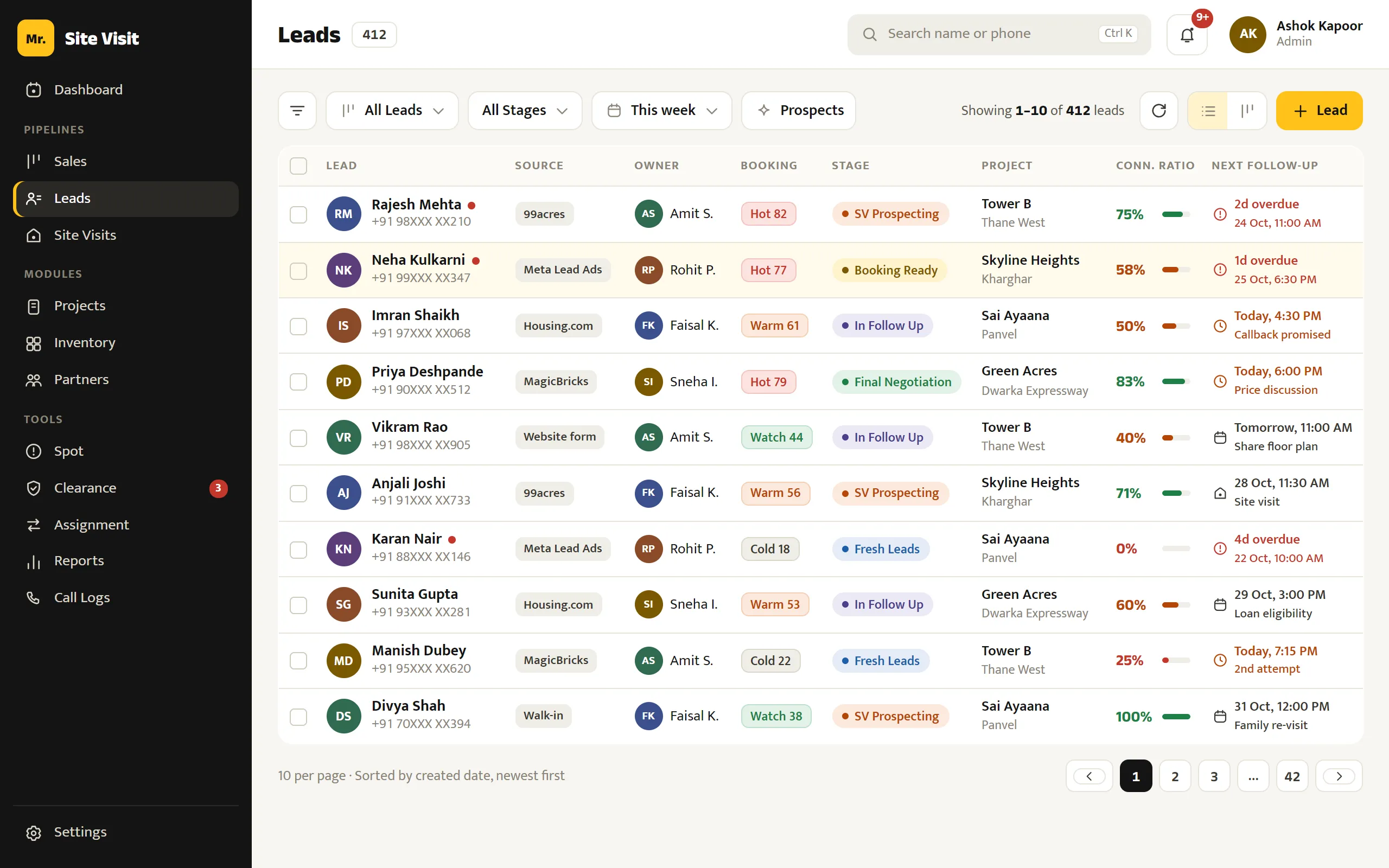
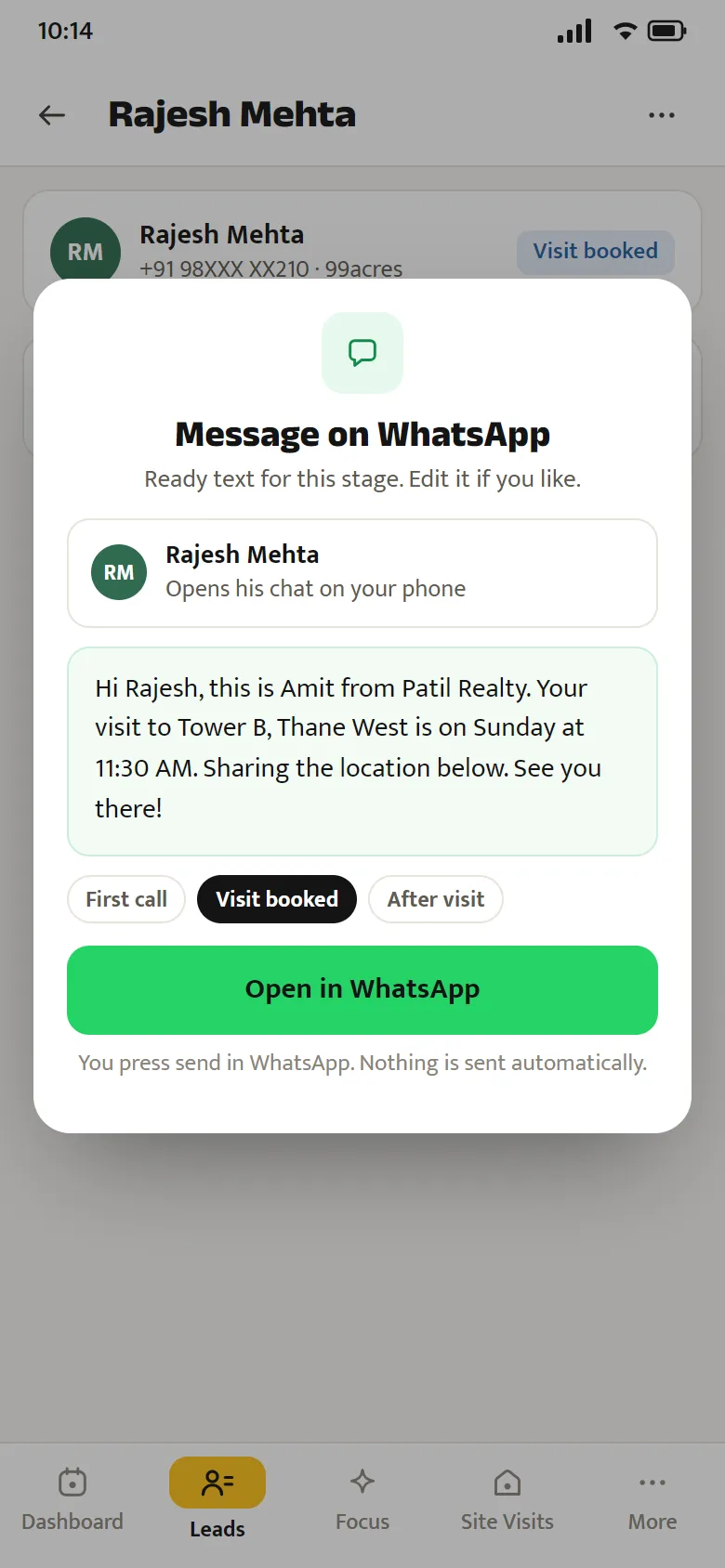
Why WhatsApp bans numbers
In WhatsApp’s own words, these put an account at risk:
- Spam, bulk or automated messages
- Modified apps like GB WhatsApp
- Scraping numbers from groups
Sources: WhatsApp’s Help Center and Messaging Guidelines, listed below.
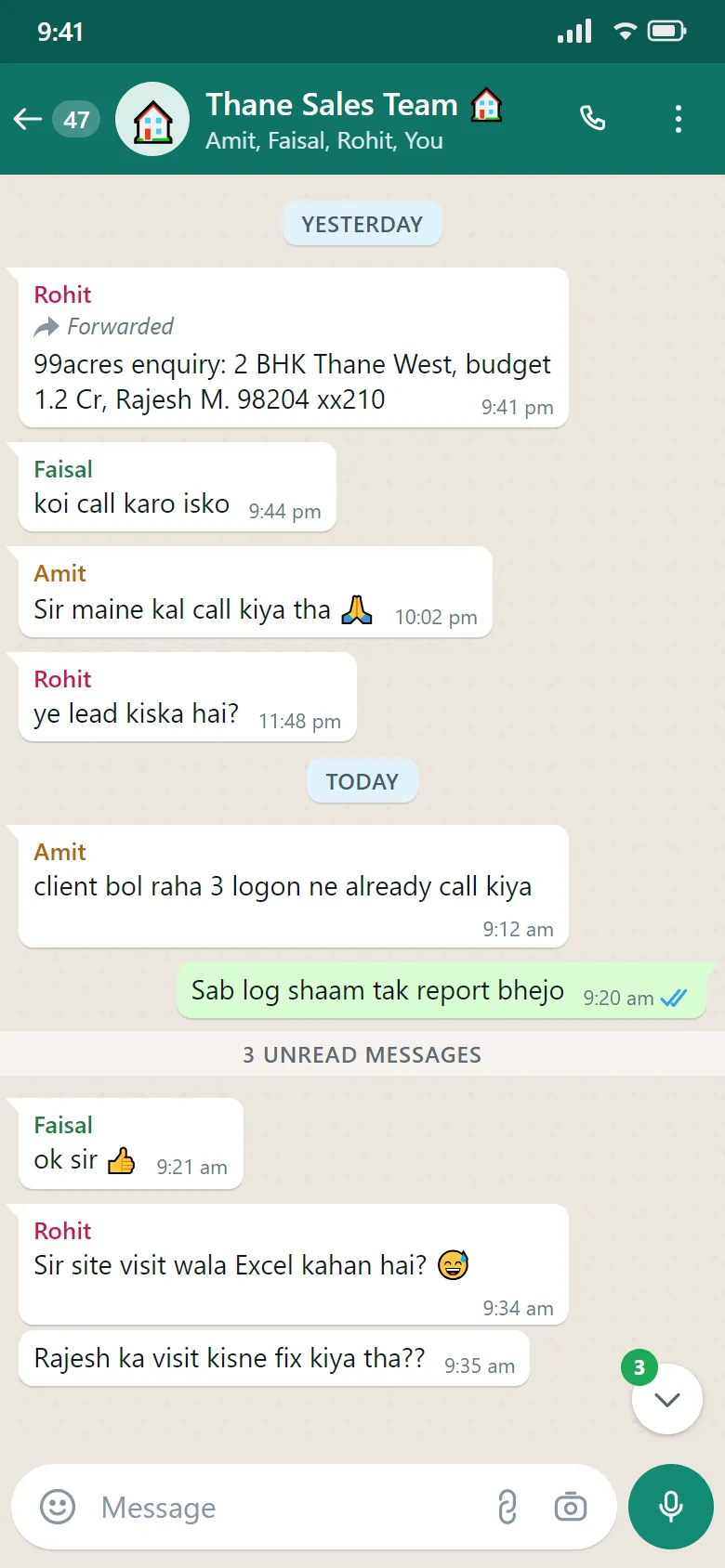
How Mr. Site Visit sends: it doesn’t
The app opens the buyer’s chat in your salesperson’s own WhatsApp with a ready message. He presses send.
- No broadcasts from your number
- No automatic sales messages
- Official WhatsApp or WhatsApp Business
The one automatic message is optional: a one-time code on your lead forms, if you switch it on.
Four habits that keep numbers safe
- Message people who asked to hear from youPortal and ad enquiries asked about a property. Reply to them; don’t message bought or scraped lists.
- Write like a person, one buyer at a timeUse the buyer’s name and the project they asked about. Edit the ready text when it helps.
- Use only the official WhatsApp appsWhatsApp or WhatsApp Business from the app store. Modified apps such as GB WhatsApp risk a ban.
- Stop when someone says stopMark the lead as not interested and move on. Repeated unwanted messages get reported.
Sources: WhatsApp’s Help Center and Messaging Guidelines
Fast replies, without risking your numbers.
See the ready messages working on your own leads, on one call.