Looking for a Sell.Do alternative for your CP firm? Compare first
By Jayesh G, Founder · 8 min read. Facts checked against each company’s own site on 21 November 2026. Spot an error? Tell us and we’ll correct it.
In short
- Sell.Do's own site says it's built for every business model in Indian real estate, brokers included, with plans quoted per team from a minimum of 5 users.
- Its pages list partner management with conflict checks, a brokerage ledger, inventory across developers, post-sales, a GPS field app and data migration during onboarding.
- A CP firm of 3 to 20 people that mainly needs every lead called and every visit on record may prefer a published-price CRM. Run a week of your own leads through any shortlist first.
On this page
- Sell.Do lists a full stack for brokers
- Firms that need these should start with Sell.Do
- Small CP firms usually lose buyers at calls and visits
- Mr. Site Visit covers fewer things, at a published price
- Switch in an order that keeps your history
- Which firm are you?
- “A bigger CRM must be better”
- What I’d ask each vendor this week
- Questions teams ask
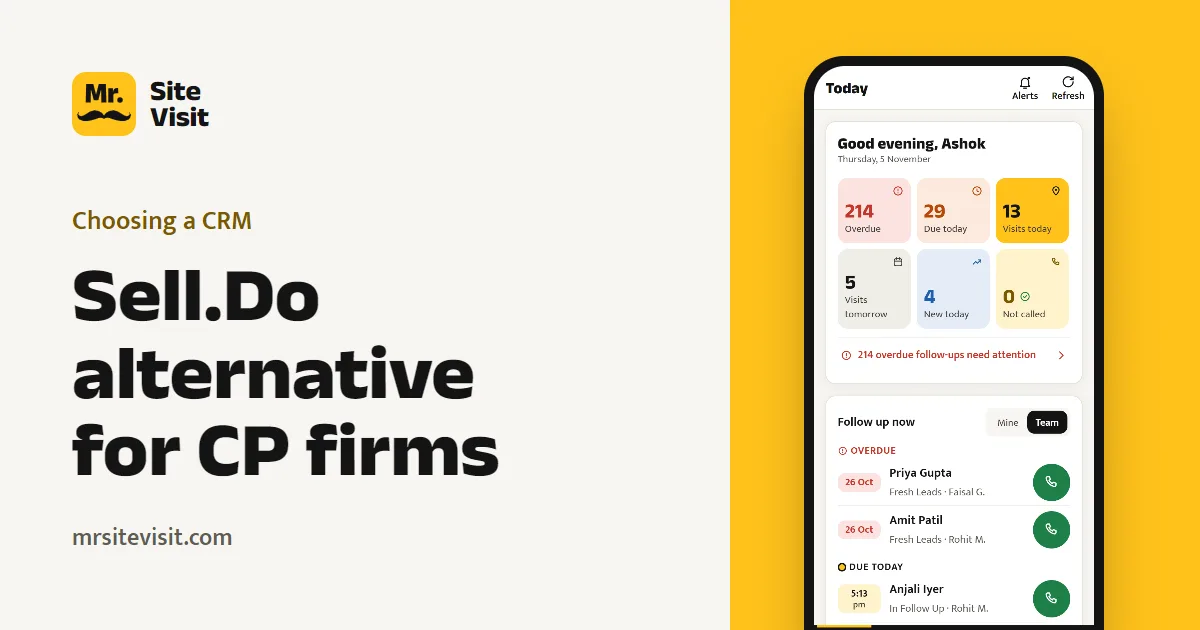
When a portal lead arrives after dinner, who calls it, and where is that recorded? And when a buyer says nobody called about his visit, who has the record?
If those questions cost your firm buyers, this page is for you. It’s about choosing a CRM: the software your team logs leads, calls and visits in.
Sell.Do’s own site says it’s built for every business model in real estate, brokers included. It lists many modules. If your firm needs brokerage ledgers, inventory across developers or post-sales, start with Sell.Do. If your gap is calls and visits, a narrower CRM with a published price may be enough. We make one of those, Mr. Site Visit, so check every line here yourself.
The simple rule Pick the CRM that does your team’s daily work well, then compare the yearly total. Never the other way round.
Sell.Do lists a full stack for brokers
Sell.Do’s own pages, read on 21 November 2026, describe a broker’s “full stack”, from sourcing to brokerage. We kept a dated copy of each page. “Not stated” means we didn’t find it there, not that Sell.Do can’t do it.
| What you’d ask | What Sell.Do’s site says |
|---|---|
| Who is it for? | “Built for every business model in real estate”; “Made for Indian real estate” |
| Price | A per-user quote for your team size, “typically within one business day”; “plans start at a minimum of 5 users”; the rate depends on “core CRM, the real-estate suite (inventory, CP, IRIS, post-sales) or both” |
| Extra costs | AI add-ons, and communication costs for WhatsApp, telephony (calling), SMS and email |
| Leads | “Deduplicated lead capture from 20+ sources”; its CRM page names 99acres, Housing and MagicBricks |
| Calls and messages | “Official WhatsApp, calling, SMS and email — every conversation logged” |
| Site visits | “Schedule, confirm and close site visits and viewings from your phone”; a “field-sales app with GPS” and “geo-verified check-ins” |
| Channel partners | “Onboard CPs, give them inventory access, track their leads and pay brokerage transparently”, with conflict checks at lead capture |
| Brokerage | “Auto-compute brokerage, raise invoices and track payouts”; brokerage tracking “with a transparent ledger” |
| Post-sales | Bookings, demand letters (the developer’s payment requests to buyers), ledgers and receipts |
| Going live | “Most customers go live in 7 days”; a 30-day onboarding programme “included on every plan”; existing lead data migrated |
| Phones | Its pages’ data lists Web, iOS and Android; app details not stated |
| Free trial | Not stated; it offers a 30-minute walkthrough |
Firms that need these should start with Sell.Do
Some firms need the suite modules, and a narrower CRM would leave them short. Start with Sell.Do if:
- You want brokerage invoices and payouts inside the CRM. Its site lists brokerage calculation, invoicing and payout tracking. We don’t have these.
- You track inventory and cost sheets across many developers. Its site lists both. We track unit status only.
- You want official WhatsApp messaging from the CRM. It lists it. We offer one-tap prefilled messages only.
- You run post-sales. It lists demand letters, ledgers and receipts. We don’t.
- Your team is on iPhones. We have no iPhone app. Sell.Do’s pages list iOS; ask which app your salespeople would use.
Its pricing page doesn’t list a rate; it says it gives a written quote, typically within one business day. Ask for the yearly total for five users and for your real team size, for core CRM and for the full suite.
Our guide to the best real estate CRM in India lists other suites by kind of firm.
Small CP firms usually lose buyers at calls and visits
In my view, a CP firm (a channel partner firm that sells developers’ projects) of three to twenty people rarely loses buyers for lack of a module. It loses them at three steps: the first call, the site visit, and the buyer two people both claim.
Check last month. How many lost buyers were never called? And how many were lost for a missing feature?
A narrower CRM may be enough if…
- You have 3 or 4 people, under a 5-user minimum
- You want to see the price before a demo
- Your leaks are uncalled leads and unrecorded visits
- You want fewer screens than a full suite
Start with the suite modules if…
- Brokerage payouts must live in the CRM
- You manage inventory across many developers
- Your team is on iPhones
- You run post-sales
Read both columns against last week’s lost buyers, then pick.
Mr. Site Visit covers fewer things, at a published price
Here’s our CRM answering the same questions. Where we don’t do something, we say so.
| What you’d ask | Mr. Site Visit |
|---|---|
| Who is it for? | CP firms, developers and mandate companies with 3 or more people |
| Price | ₹423 Starter, ₹548 Growth, ₹1,298 Developer, a user a month on yearly billing; from 3 users; no GST on top |
| Leads | 99acres, Housing.com, MagicBricks, Meta lead ads, website forms, a webhook (a link that pushes leads in), CSV import on the web; a repeat number is flagged |
| Calls | Read from the Android phone’s call log and marked Verified; no built-in dialer |
| Site visits | GPS and time stamped at start and end on Growth and up; a record of where the salesperson was, not proof the buyer came |
| Channel partners | Partner claims, tagging windows (how long a buyer stays registered to a partner) and disputes on the Developer plan; no partner login |
| Brokerage and post-sales | Not built |
| One-tap prefilled messages only | |
| Phones | Android app and web; no iPhone app |
| Leaving | The owner can export leads from the web, with an OTP (a one-time code sent to the owner’s phone) |
| Trial | No free trial; a demo on your own leads, and a 7-day money-back on your first payment |
A CP firm that wants visits on record needs Growth, not Starter. Here’s what Growth costs a year, as illustrative sums from our published price:
| Team | Growth, yearly | Tax |
|---|---|---|
| 3 people | ₹548 × 12 × 3 = ₹19,728 | No GST on top |
| 5 people | ₹548 × 12 × 5 = ₹32,880 | No GST on top |
| 10 people | ₹548 × 12 × 10 = ₹65,760 | No GST on top |
We can’t put Sell.Do in this table, because its price is a quote. Ask for it in writing for the same team, and compare. If calls and visits are your gap, see how it works for channel partner firms.
Switch in an order that keeps your history
The real fear in switching is losing data and a month of work, then watching the team drift back to WhatsApp. Here’s a safer order:
- Get a full export first. Ask your current CRM in writing what it exports (leads, notes, call logs) and in what format. Ask the new vendor which columns it imports.
- Import it with the new vendor. We import with you on the web, up to 5,000 rows at a time.
- Run both for one week. New leads go to the new CRM; live buyers finish in the old one.
- Keep the old one readable for a month. Call history and notes may not come across in a CSV.
Our guide to moving from Excel to a CRM has the column clean-up that makes imports work.
Which firm are you?
The right answer changes with size and with what you sell.
- Three or four people, owner selling? You’re under Sell.Do’s stated 5-user minimum, so ask what a team your size would pay before anything else.
- Five to twenty people, mostly portal and Meta leads? Your leaks are probably the weekend lead and the Saturday visit. Compare how each CRM records those first.
- Running a developer’s launch, or many developers’ inventory? A full suite may earn its price. Get the yearly quote and the module list in writing.
“A bigger CRM must be better”
Not for every firm. A CRM your team skips on a busy Saturday protects nothing, however many modules it has.
Ask one question in every demo, ours included: “Show me what my salesperson does in the first five minutes after a portal lead arrives.” What I’d do: under five people, start with a published price; over ten, get written quotes from both kinds of CRM.
What I’d ask each vendor this week
Send the same questions to every CRM on your shortlist, including us, and compare the written answers:
- What’s the yearly total for my exact team, with add-ons and messaging costs?
- Is there a minimum number of users, and what’s the contract length?
- Which portals connect, by name, including Meta lead ads?
- How are calls and site visits recorded on my team’s phones?
- How are two partners claiming one buyer settled?
- Will you move my existing leads, or do I?
- Can I export all my data, any time?
Prices and features change, so open each link above before you decide. Then pick two CRMs and run one real week of your own leads through each. With us, that week is a demo on your own leads, then the 7-day money-back if you pay. Tell us what we got wrong.
Questions teams ask
What is a good Sell.Do alternative for a small channel partner firm?
It depends on what you need most. If you need brokerage ledgers, inventory across developers and post-sales tools, Sell.Do lists those, so compare it with other full suites. If you mainly need every lead called and every site visit recorded, look at CRMs with published prices, and test two with a week of your own leads.
How much does Sell.Do cost?
Its pricing page doesn’t list prices. It says it gives a per-user quote for your team size, with plans starting at a minimum of 5 users, and that AI add-ons and communication costs such as WhatsApp and telephony are priced separately. Ask for the yearly total for your exact team, in writing.
Can I move my leads from one CRM to another?
Usually, if you can export them as a spreadsheet. Sell.Do’s pages say existing lead data is migrated as part of its onboarding, and its pricing page says its implementation team handles migration. Moving to us, we import your spreadsheet with you on the web, up to 5,000 rows at a time. Call history and notes may not come across in a CSV, so keep the old CRM readable for a month.
Is Mr. Site Visit cheaper than Sell.Do?
We can’t compare a quote we haven’t seen. Our prices are published: ₹423, ₹548 or ₹1,298 a user a month on yearly billing, from 3 users, with no GST on top. Ask Sell.Do for a yearly quote for the same team and compare the totals.